Profile Customization



Profile Customization
The profile interface is interactive and customizable. You can record your best moments, display your achievements, collections, and even your character's style. You can also view other players' profiles to learn about their journey and achievements.
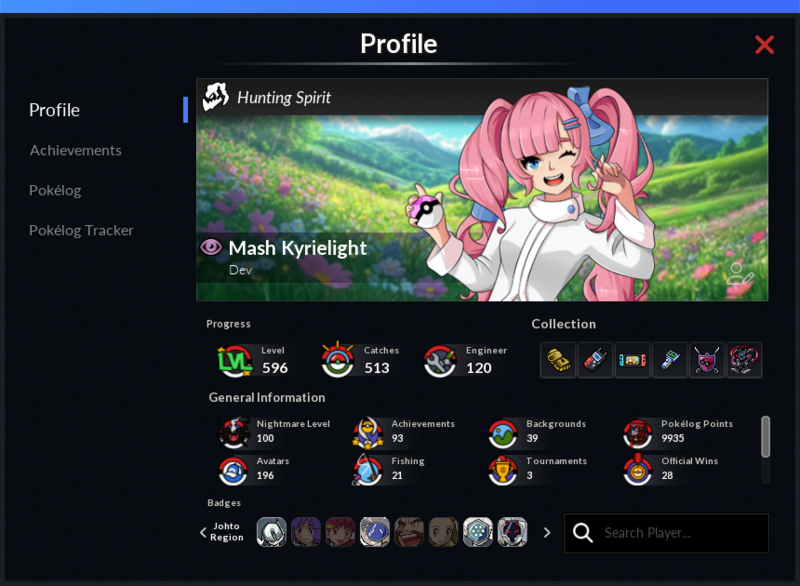
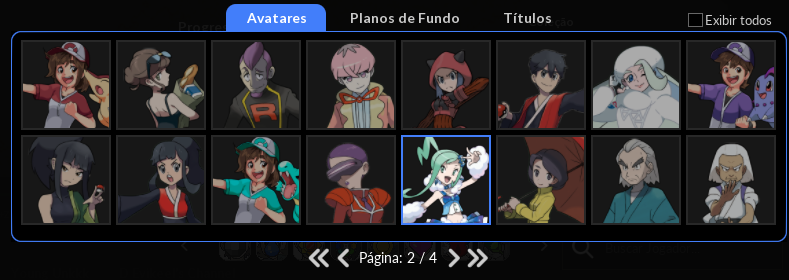
Avatars are displayed in the interface, accompanied by background scenes that form visual compositions. They have rarity ratings and artwork inspired by outfits in the game. Each player receives a standard Avatar and Background, and can expand their collection through achievements and new content.
Themed Avatars and Backgrounds
Players can collect unique avatars and themed backgrounds to give their profile their own identity. These can be unlocked in different ways.
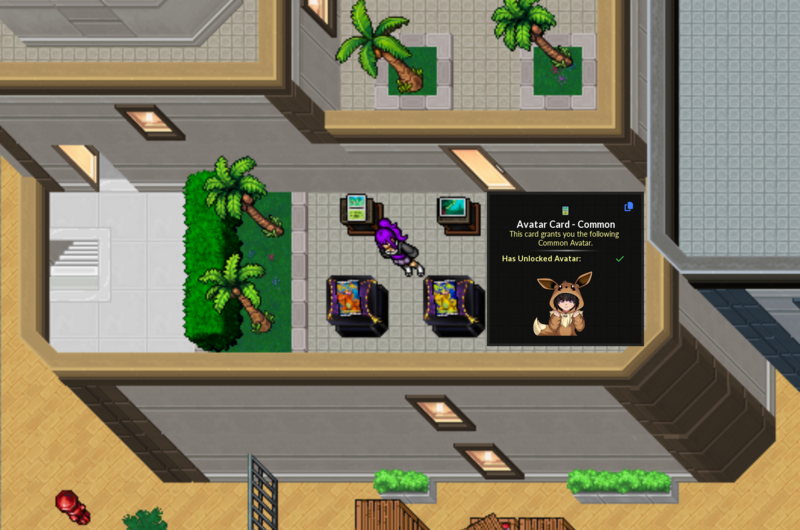
You can unlock new items through achievements, special challenges, progress in Pokélog, rare drops from Territory Guardians, and other ways.
Unique Items and Journey Milestones
The new Profile system now allows you to display unique details about your adventure. With it, you can activate the display of your most unique decisions and achievements, such as the reward you chose in the Mewtwo Main Quest (Running Shoes, Helpers, or Solemn Heart), your current Nightmare Disk level, rare items such as the Shiny Charm, or other Quest items such as the Lugia Feather, Wishing Star, and Golden Gauntlet, among other items.
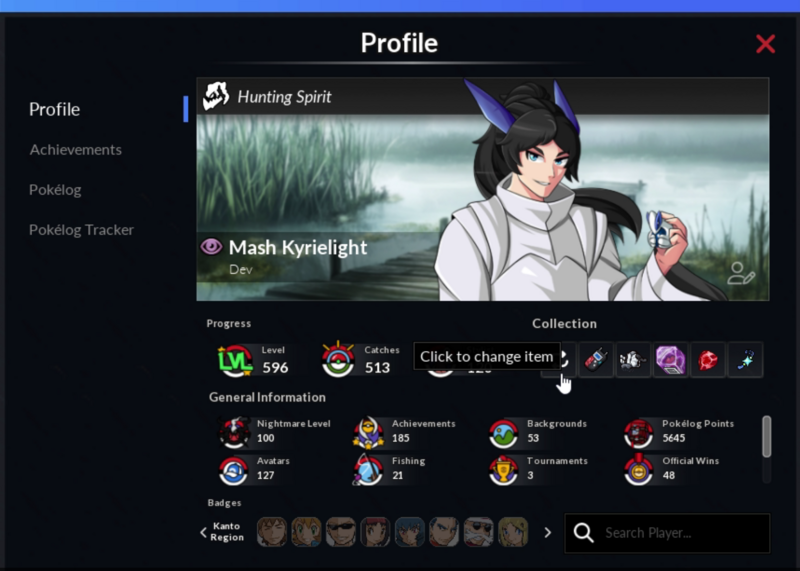
You can replace the displayed item. Just click on it to open a window, allowing you to select a new item to replace it.
Customizing Your Profile
Profile customization is available at any time by accessing the “Edit profile” option in the upper right corner of the interface.
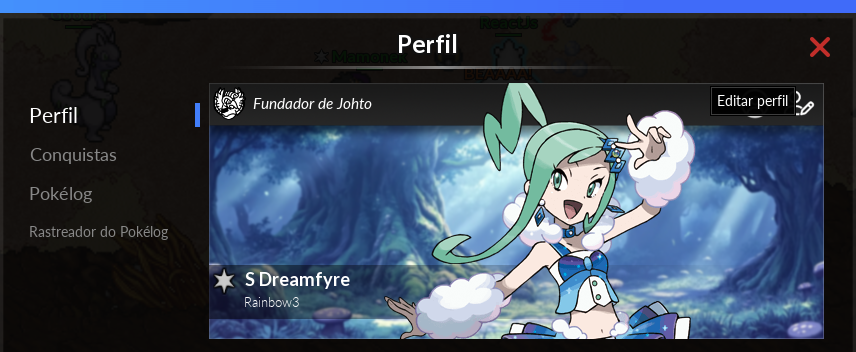
In this section, you can select the avatar, background, and title that will be displayed. You can also enable the display of all avatars, backgrounds, and titles, including those that have not yet been unlocked. Changes can be previewed to ensure that the final result is satisfactory before being saved.